
Local control, simple setup
Smart Home
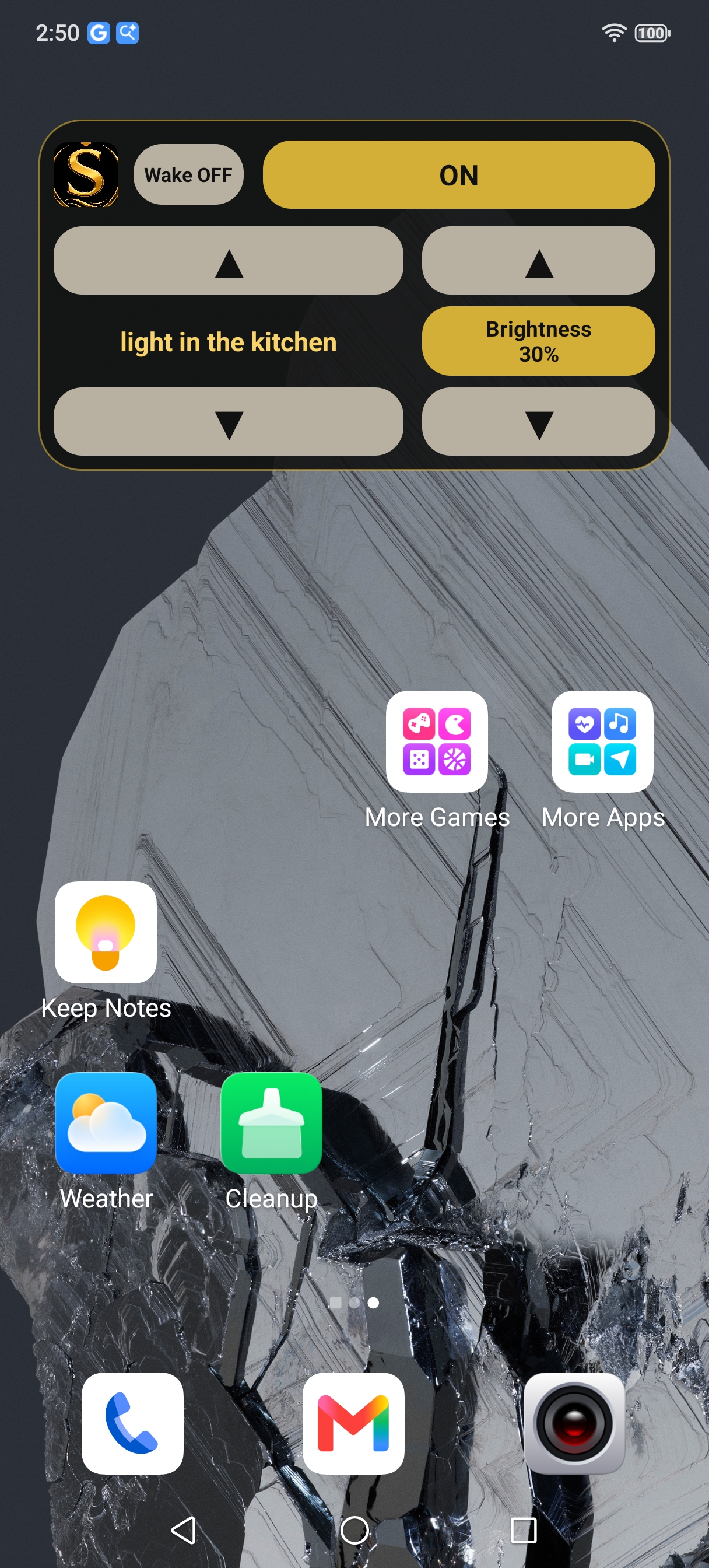
Semsa includes a Smart Home tool for controlling supported Shelly Wi-Fi devices. You can manage lights manually from the widget or use voice control inside the app.
Smart home guide for Shelly Wi-Fi devices
Local control, simple setup
Semsa includes a Smart Home tool for controlling supported Shelly Wi-Fi devices. You can manage lights manually from the widget or use voice control inside the app.
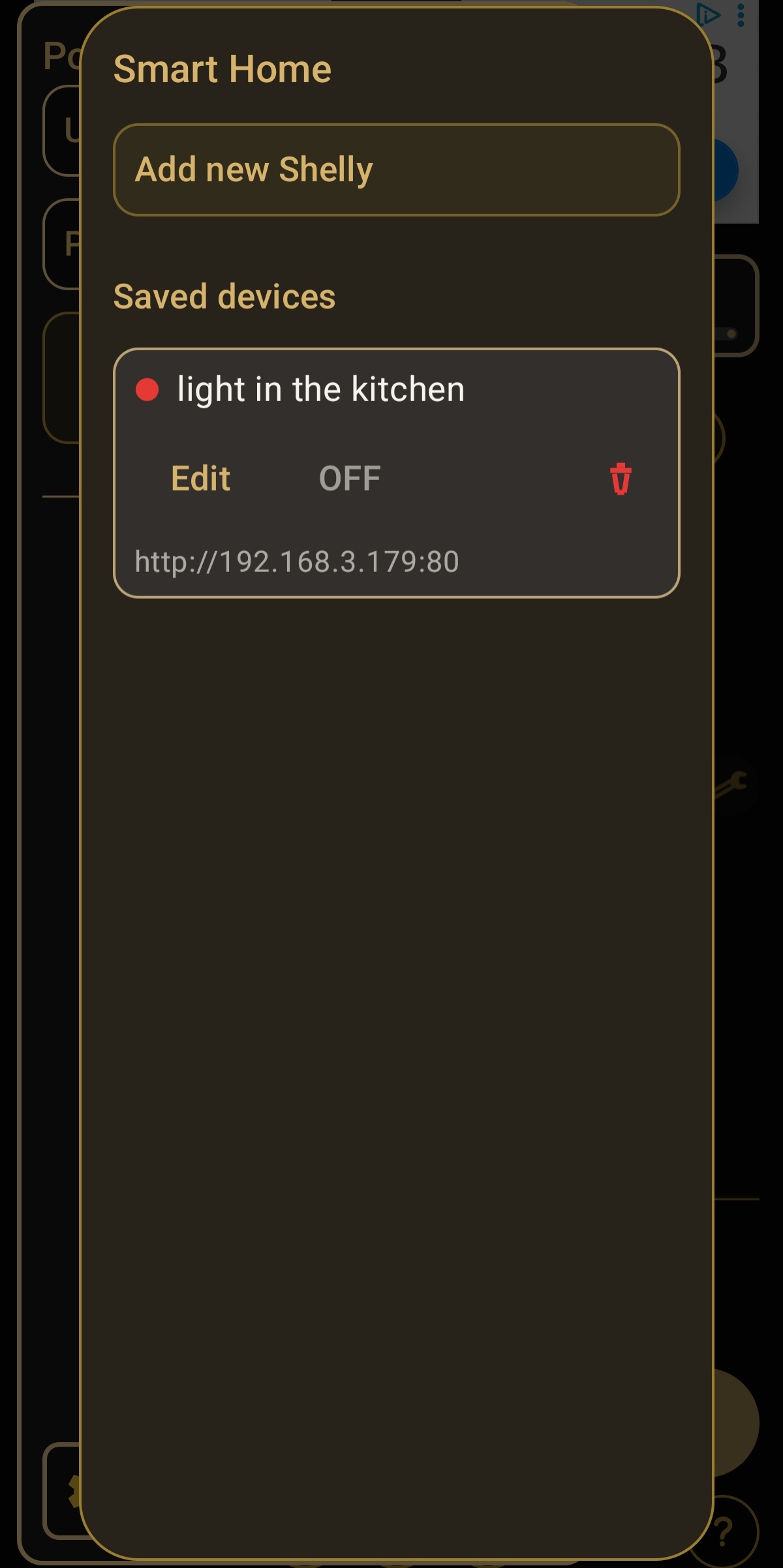
These two images show the widget view and the Smart Home settings screen inside the app.
Use this flow when adding a new light or other Shelly device to Semsa.
Switch the Shelly device off and on twice, so it enters the API / Wi-Fi mode. In this mode it starts its setup network and becomes discoverable.
Open Smart Home in the app and search for the device while it is broadcasting its setup Wi-Fi.
Choose your home Wi-Fi network and type the password so the Shelly device can join your network.
Save the device and then use the widget or voice control to turn lights on and off, adjust brightness, and run smart home actions.
This page can always return to index.html. The app link above points to the main Semsa app listing, so the YouTube link can stay on the app side where you already have it.